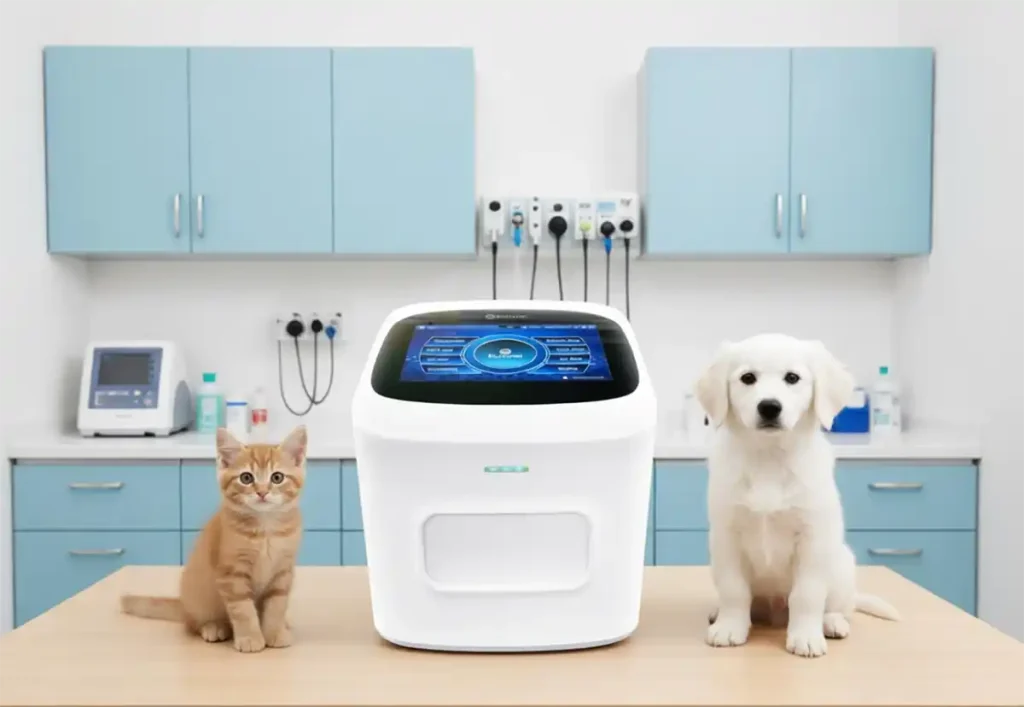
New to the BCA 330? This step-by-step guide walks you through running your first complete blood count on the RunMei AI-powered hematology analyzer, from power-on to printed results.
Step 1: Power on and system check. Press the power button on the BCA 330 hematology analyzer. O AI-powered system performs a self-check in 60 seconds. Unlike traditional blood analyzers, no warm-up, calibration, or QC run is needed thanks to the No Liquid System.
Step 2: Prepare the sample. Collect 30 uL of capillary blood using a fingerstick lancet. Draw the blood into the provided capillary tube. The automated analyzer accepts both capillary blood and venous samples for complete blood count testing.
Step 3: Load the sample. Insert the capillary tube into the sample port. The AI-powered blood cell counter automatically detects the sample and begins analysis. No manual volume adjustment or sample preparation is necessary.
Step 4: Review results. In 10 minutes, the محلل أمراض الدم displays the full CBC with 5-part differential on the touchscreen. The AI imaging system highlights abnormal cell morphology findings. Results include all standard parameters plus morphological flags.
Step 5: Export data. على CE certified و ISO 13485 automated analyzer supports HL7, ASTM, and CSV export. Results can be printed, sent to LIS, or transferred via Wi-Fi for clinical lab documentation.
Contact RunMei Health for hands-on training.